Confirm every action
The default. Reading pages never asks; clicking, typing and anything on your computer does.
Free & open source · Mac & Windows
Lumio Browser has an AI in every window. Ask it to book, fill, find and compare. It works the page the way you would, and asks before it acts.
macOS 14+ · Windows 10/11 · Runs on your Lumio plan or your own OpenRouter key
How Lumio works
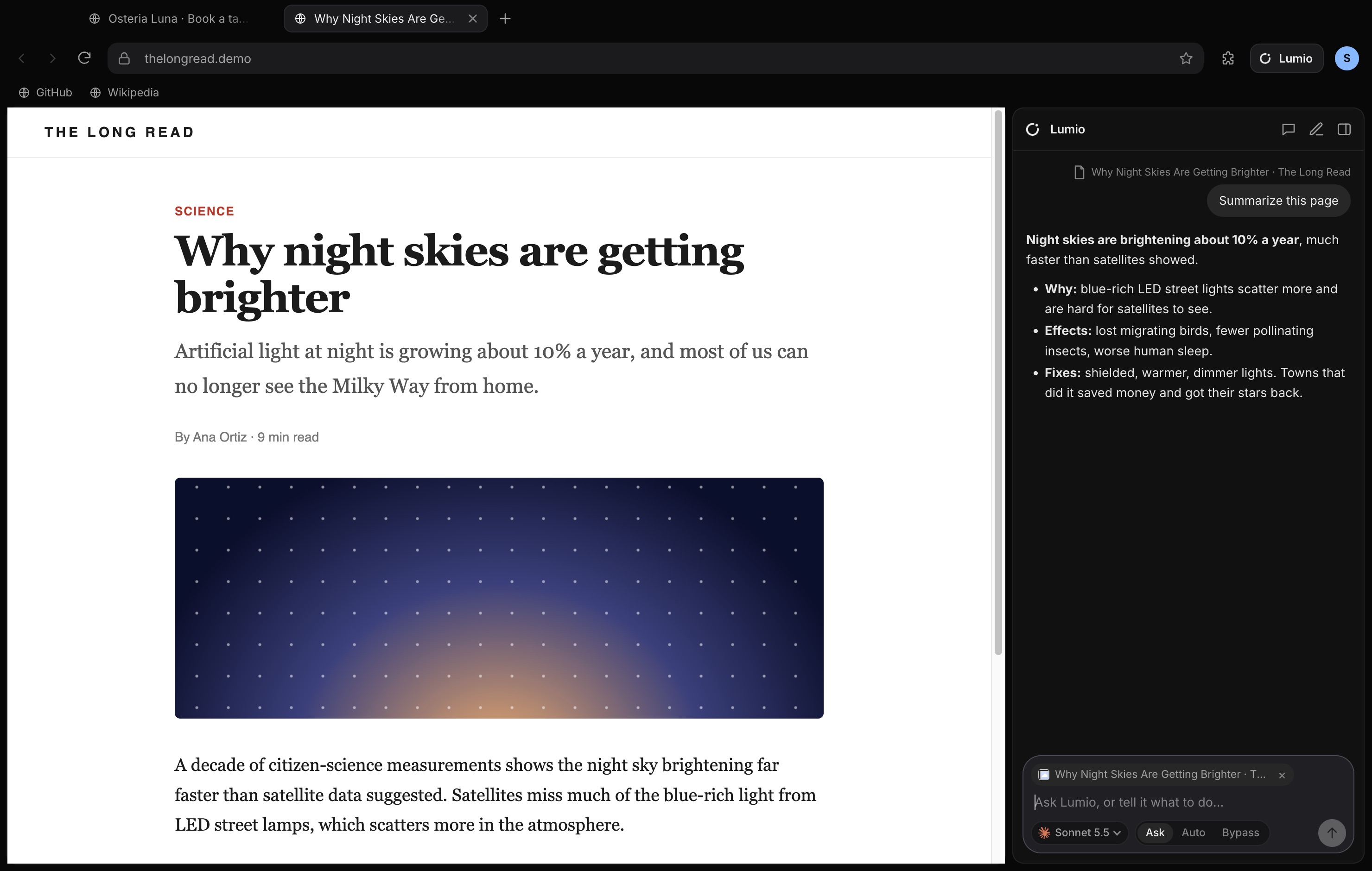
The Lumio panel lives beside every tab. Ask a question about the page, or tell it what to get done. It can include the page you’re looking at, so “summarize this” just works.
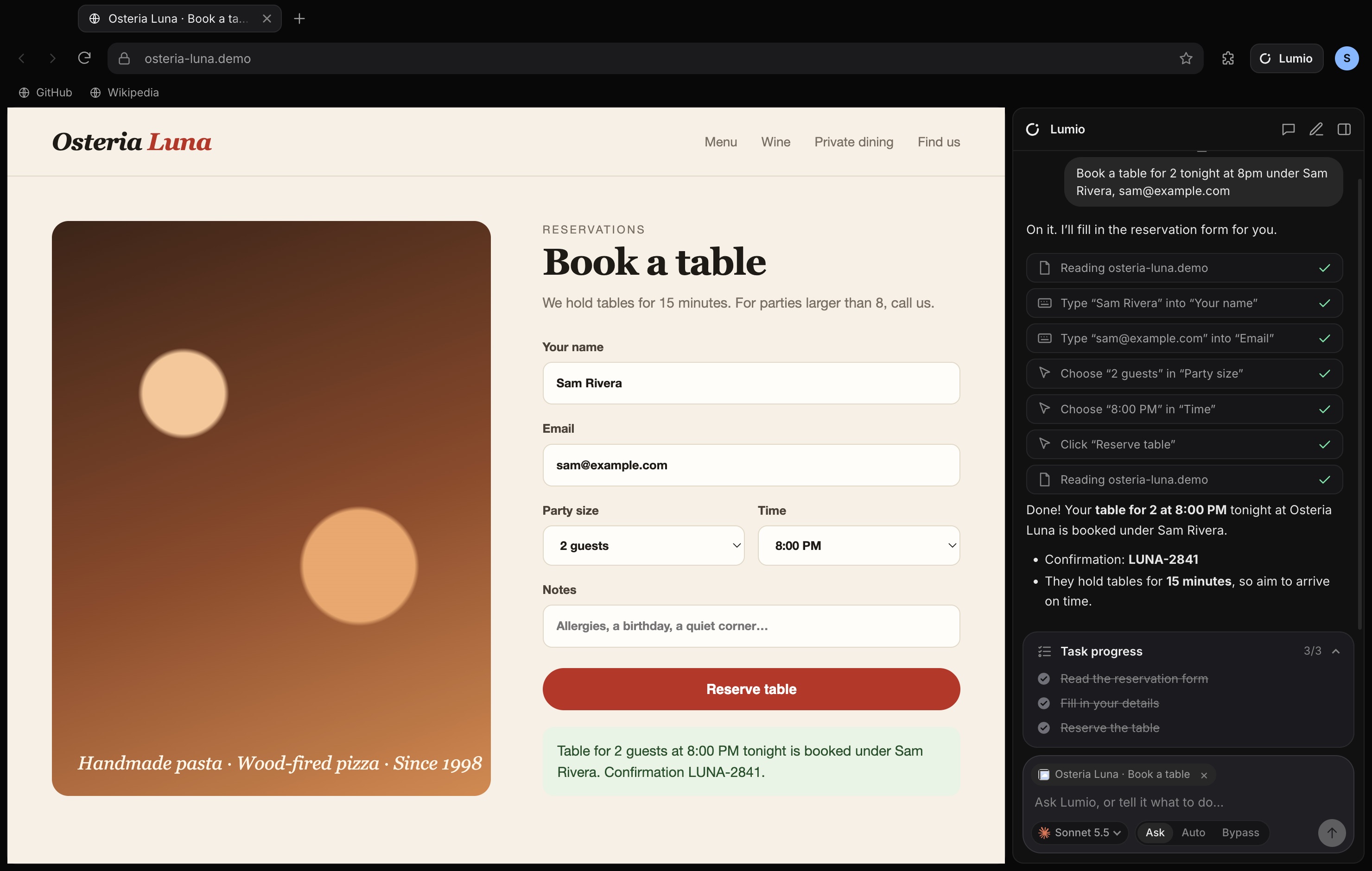
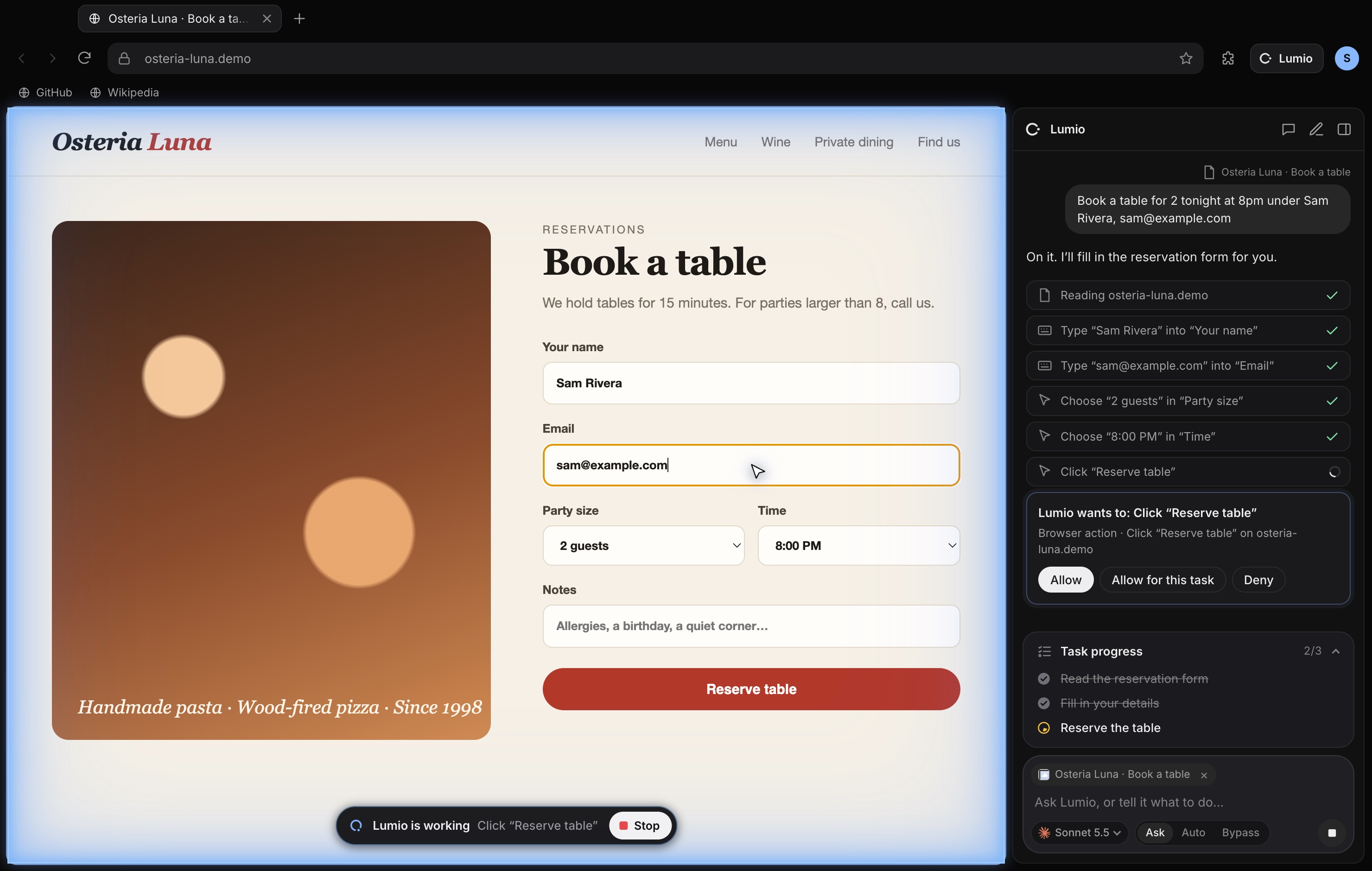
Lumio reads the page like a screen reader would, then clicks, types, picks from menus and scrolls with real input. For bigger jobs it keeps a Task progress checklist, and the page glows blue while it works.
Before an action, Lumio shows exactly what it wants to do. Allow it once, allow it for the rest of the task, or Deny. A Stop button stays on screen the whole time, or press Esc.
When the job’s finished, Lumio checks the result and tells you what happened. It can go beyond the browser too: see your screen, open apps and type on your Mac or PC, with your permission. While it does, your whole screen glows blue, with a Stop button at the top.
Your pace
The default. Reading pages never asks; clicking, typing and anything on your computer does.
Lumio works through websites by itself, and still asks before it touches your computer or runs a command.
For tasks you trust completely. Lumio acts without stopping, so use it with care.
Safety
Everything a browser should have
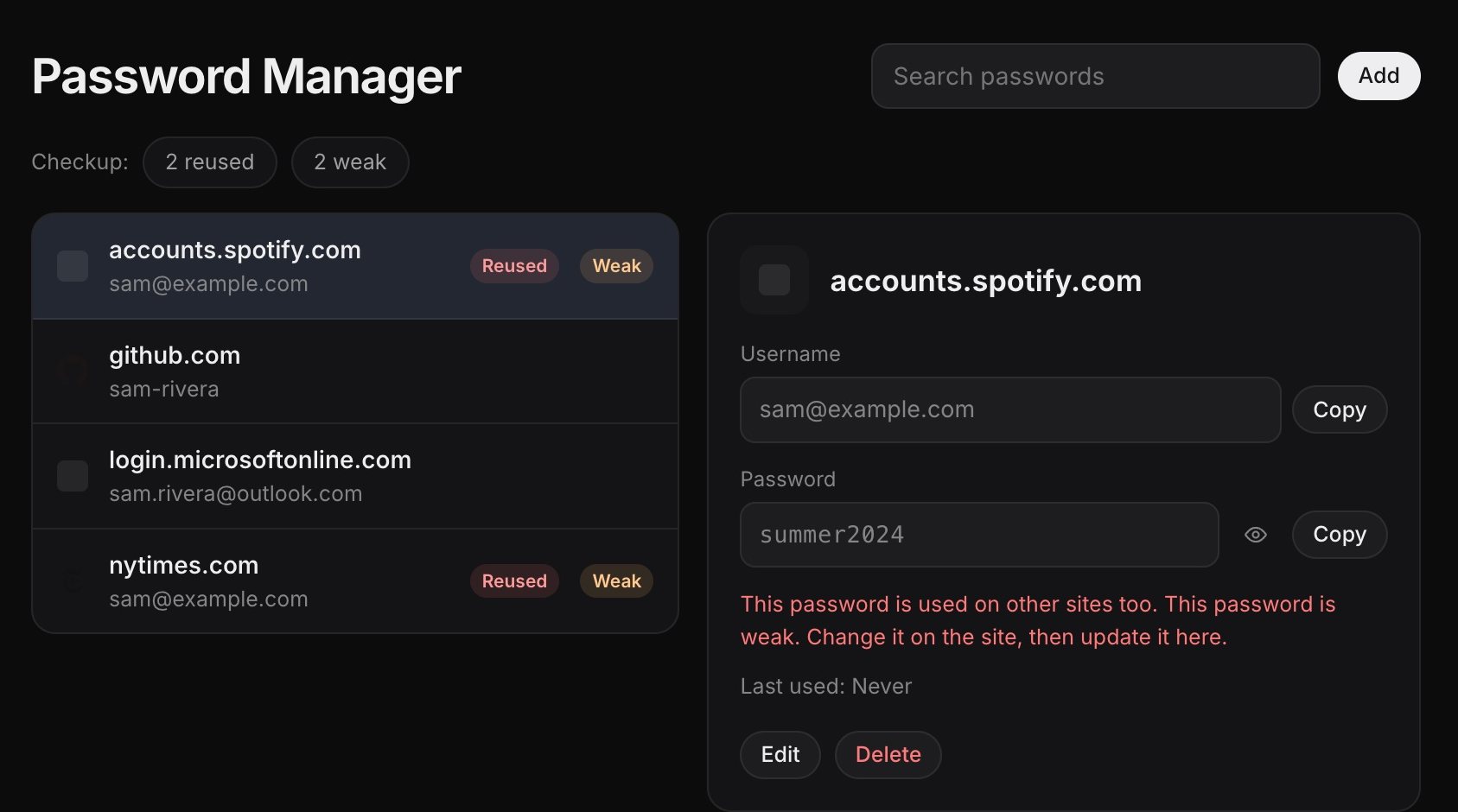
Saves sign-ins, fills them when you click a field, suggests strong passwords, flags weak and reused ones, and imports from Chrome or 1Password. Showing a password asks for Touch ID or Windows Hello.
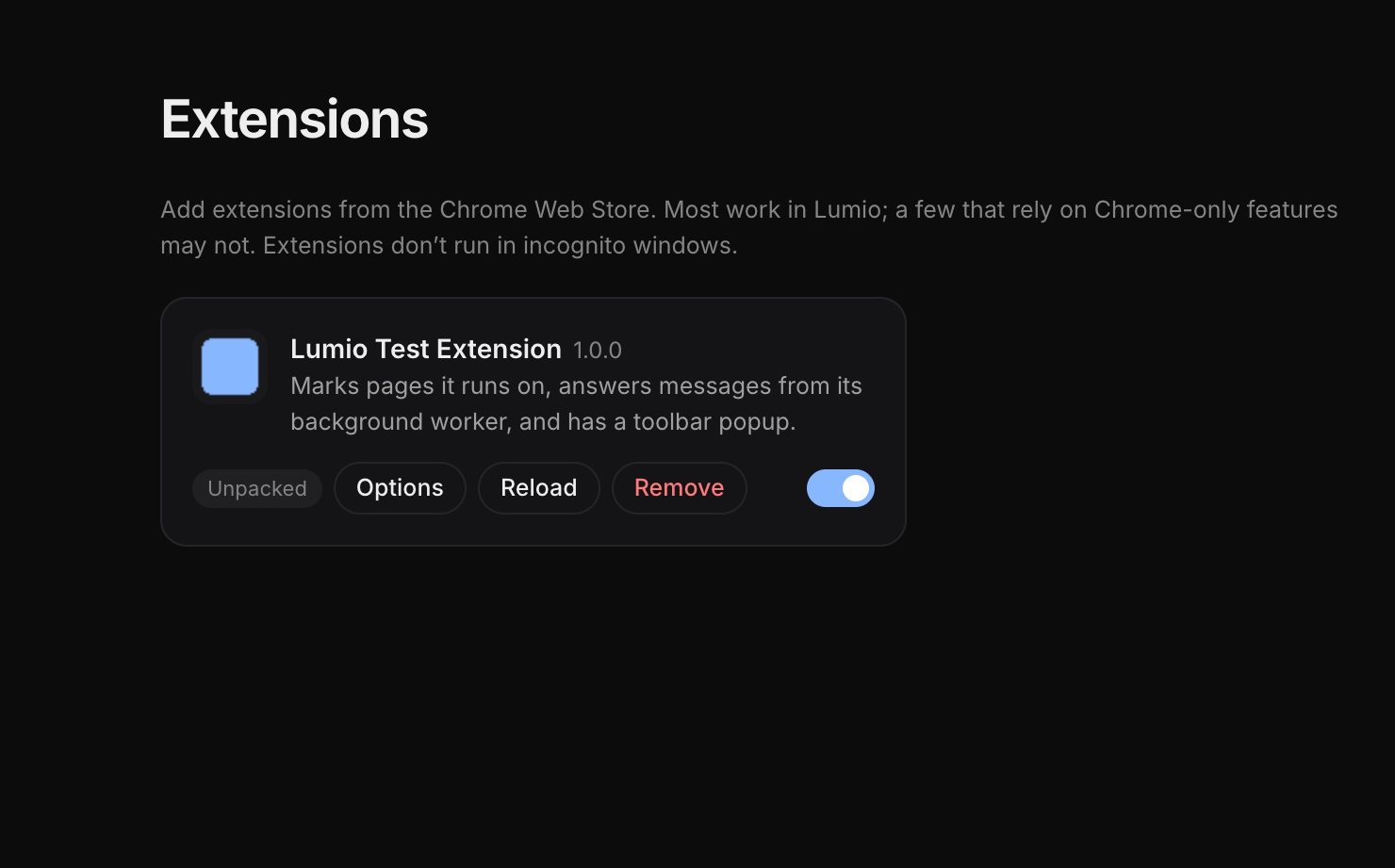
Add from the Chrome Web Store with “Add to Lumio Browser”. Toolbar buttons and popups work too.
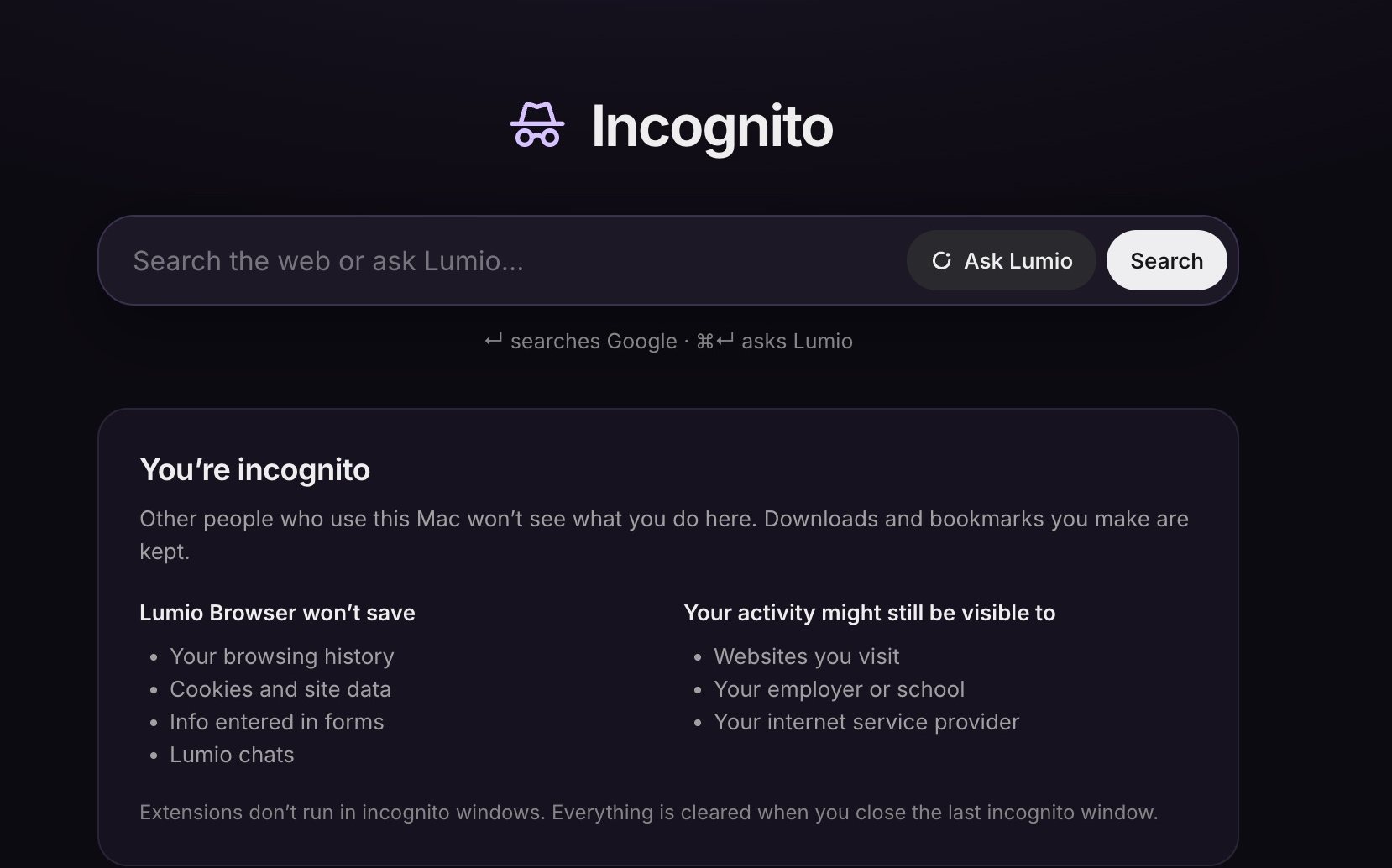
A throwaway session. No history, cookies or chats are kept, and it’s wiped when you close it.
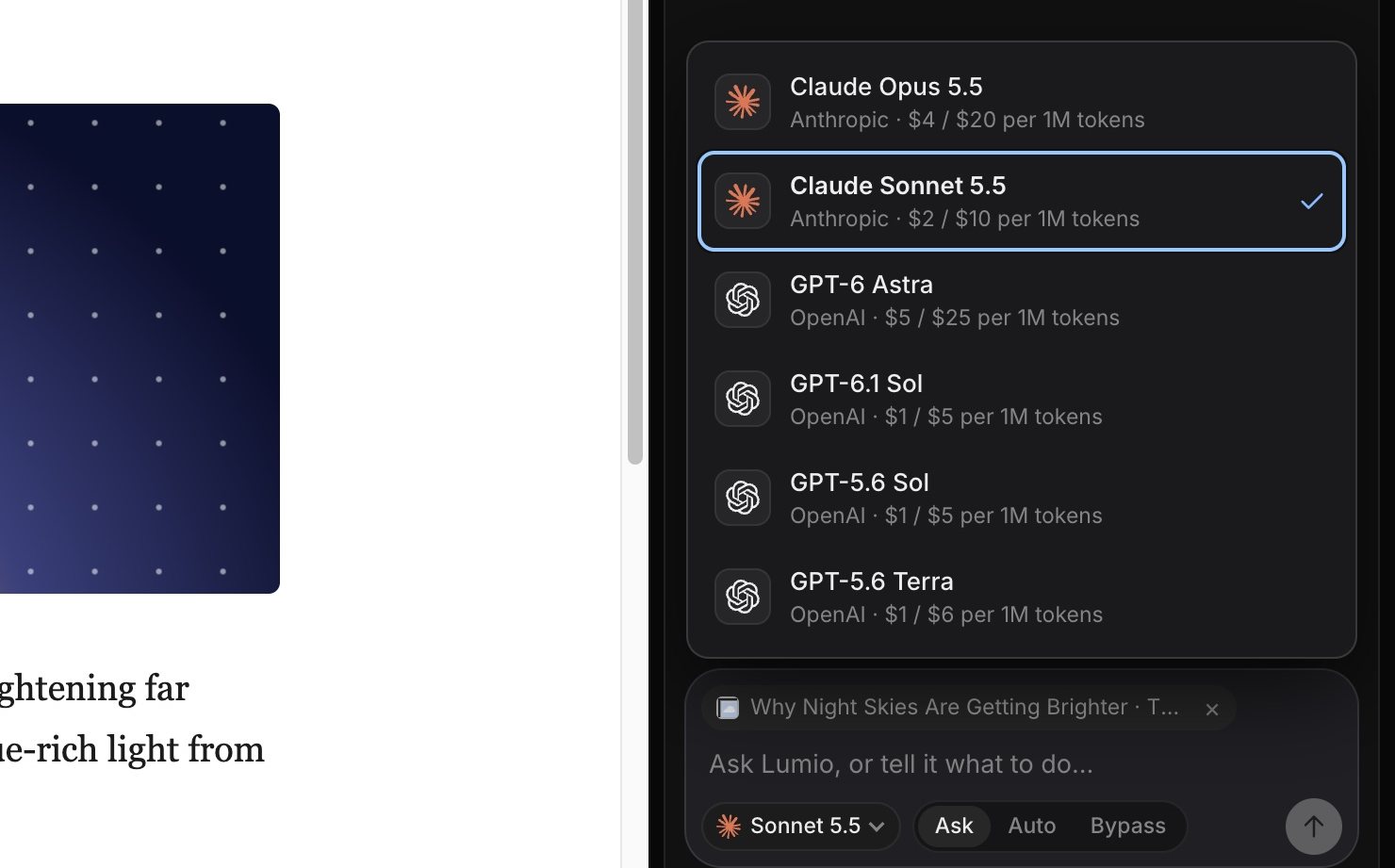
Claude Opus 5.5 and Sonnet 5.5, GPT-6 Astra, GPT-6.1 Sol, GPT-5.6 Sol and Terra: all strong at operating pages and computers.
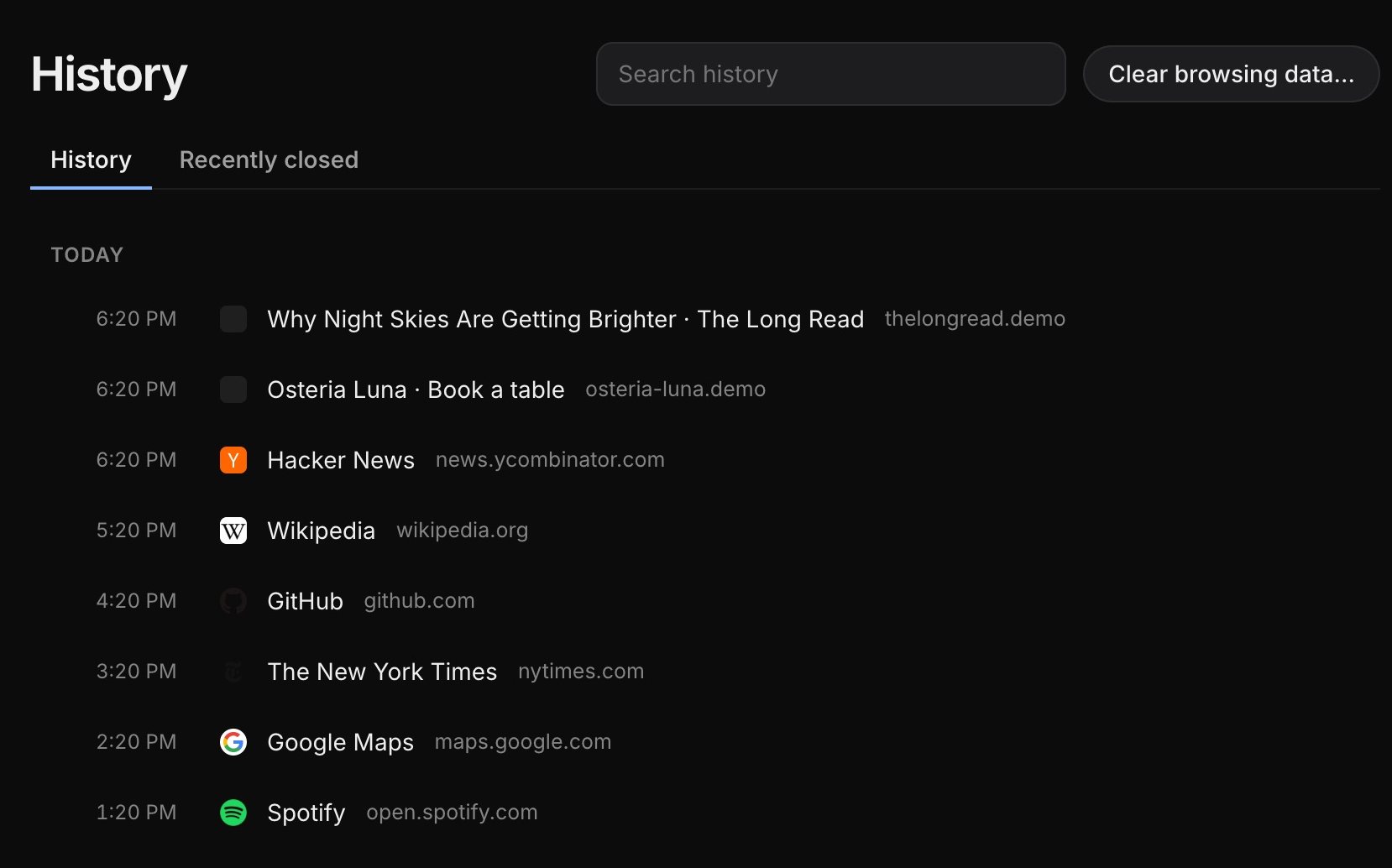
Search by day, filter by site, delete a few or a whole time range, and reopen what you closed.
Powering the AI
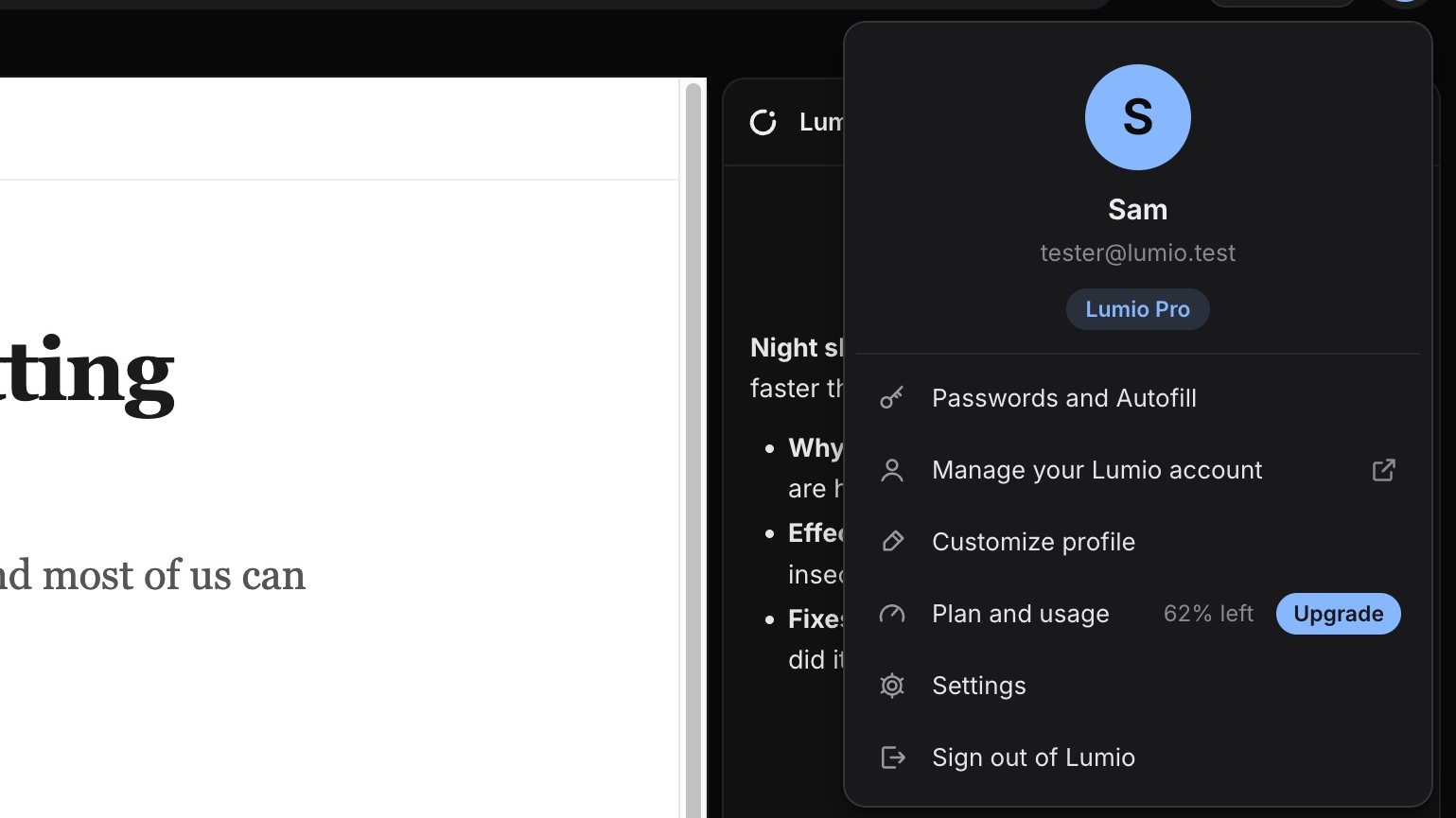
Use the same account as lumio-usa.online. On Plus, Pro or Max, the browser’s AI runs on your plan, with no key to manage. Your plan and usage live in the account menu, top right.
Prefer to pay per use? Paste an OpenRouter key. It’s encrypted with your system keychain and only ever sent to OpenRouter.
Download
Free and open source. Version 0.2.0.
Lumio Browser is free software under the GNU GPL v3. Read the code, build it yourself, or help improve it on GitHub.
View on GitHubQuestions
Yes. The browser is free and open source. The AI runs on either a Lumio plan (Plus, Pro or Max) or your own OpenRouter key, which you pay OpenRouter for as you use it.
It’s built on Chromium, the open-source engine inside Chrome, through Electron. Websites work like they do in Chrome, and most Chrome extensions install from the Chrome Web Store.
Only what you share: the page you include in a message, or pages and screenshots it opens while doing a task you asked for. Chats are saved on your computer (never in incognito). Saved passwords are never available to it.
If you let it. On a Mac, turn on Accessibility and Screen Recording for Lumio Browser. On Windows it works out of the box. In the default Ask mode, it asks before every action on your computer.
Lumio Browser isn’t signed with a paid Apple or Microsoft certificate yet, so your system can’t vouch for it. The install steps above show the one-time way to open it. The source code is public if you’d like to check it.
Lumio Browser checks for new versions on its own. When one is out, a blue Update button appears next to your profile picture. Click it, and Lumio downloads the update, checks it, installs it and restarts with your tabs.
Not yet. Bookmarks, history and passwords stay on your computer. Your Lumio account and plan work everywhere you sign in.